Make animated videos that explain anything.
Start from a template or let AI Director draft it. Cast a character with 76 ready-made actions, add a voiceover in any of 82 languages, and export in Full HD — right in your browser. No animation skills needed.


592
AI voices in 82 languages
76
Ready-made character actions
1080p
Full HD exports on every plan
0
Watermarks on paid-plan exports
Build your story
A whole animation studio, in one tab
Characters that act, voices in 82 languages, captions, and an editor that runs in your browser — everything you need to go from script to finished video.
Animation Maker
Build animated explainers and stories with characters, scenes, and motion.
Learn moreAI Video Generator
Describe your video — AI Director drafts the script, voiceover, visuals and music for you to edit.
Learn moreCharacter Builder
Design unique animated characters — or bring your own artwork to life.
Learn moreWhiteboard Videos
Explain a process or lesson step by step with hand-drawn animation.
Learn moreText to Speech
Turn your script into narration — 592 AI voices in 82 languages.
Learn moreMotion Capture
Act it out on webcam or upload a clip — your character copies your moves.
Learn moreAI Avatars
Lifelike presenters that speak your script — no camera, no studio.
Learn moreVideo Editor
Trim, split, crop and retime footage right next to your animation.
Learn moreAI Video Editing
Edit footage by editing its transcript, pull highlight clips, and dub it.
Learn moreTemplates
Start your explainer, lesson, or promo with scenes you can customize.
Learn moreAsset Library
Find characters and assets to set the scene and support your message.
Learn moreMake your first video free for 3 days
Full HD export on every plan. Cancel before your trial ends and you won't be charged.
How it works
From idea to finished video in three steps
A good first goal: a 30-second video that answers the question your customers or students ask most.
Start from a template — or a prompt
Choose from hundreds of templates in landscape, portrait or square. Or describe your video and AI Director drafts the script, narration and visuals for you to edit.
Cast and direct your characters
Dress a character in the builder, then make it present, point, wave or walk with 76 ready-made actions and 30 expressions. Drop in your own images and logo.
Add a voice and export
Record your own narration or pick from 592 AI voices. Add auto subtitles, check the timing, and export MP4 in Full HD.
Built for you
What will you explain first?
Pick your field to see what to make first and how to make it.

Teachers & Educators
Teach one concept at a time with visual lessons learners can revisit.
Explore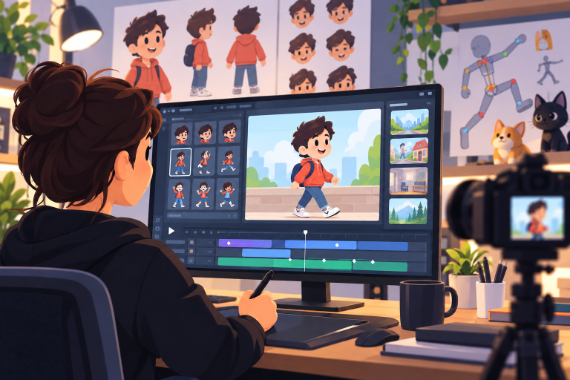
Animators & Creators
Build character-led stories with customizable scenes and prebuilt actions.
Explore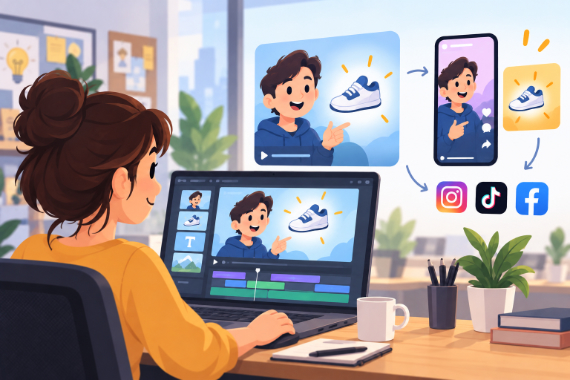
Marketing Teams
Build ads, product explainers, and social clips around one clear benefit.
Explore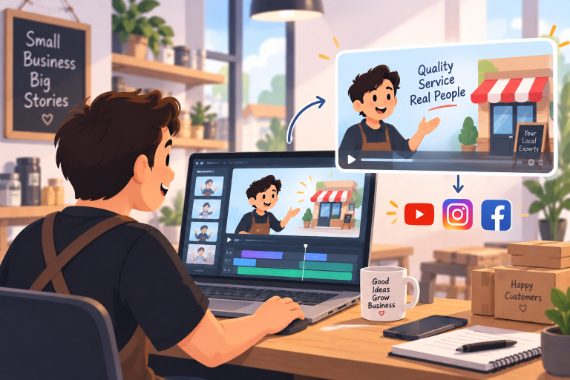
Small Business
Show how your service works and answer questions before customers ask.
Explore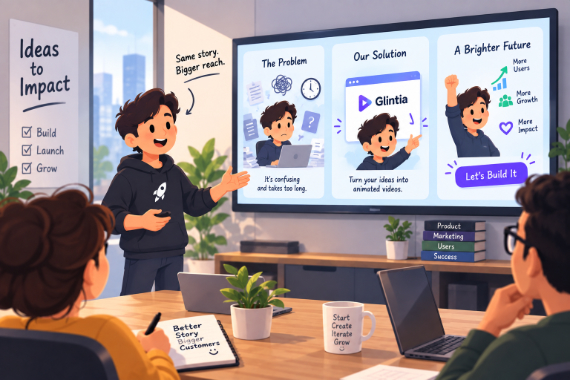
Startups
Show the problem, introduce your product, and give customers a next step.
Explore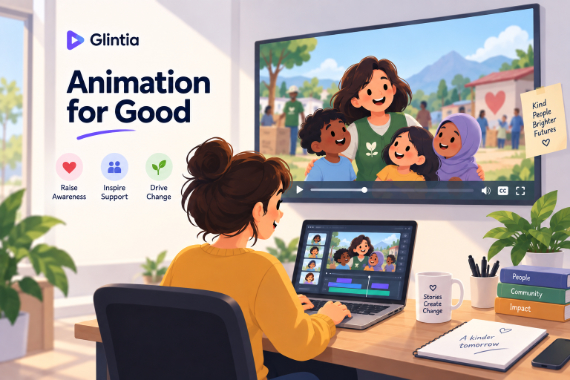
Nonprofits
Explain your cause, show your work, and tell supporters how to help.
Explore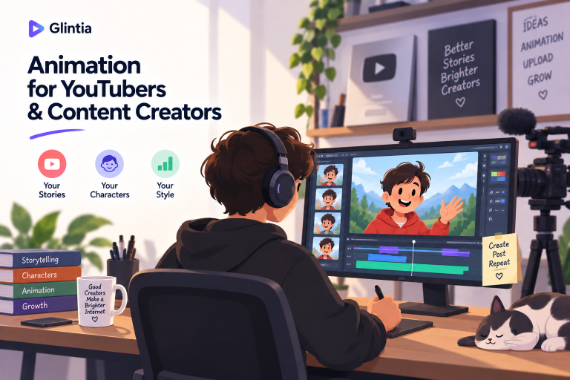
YouTube
Create animated explainers and character-led stories for your channel.
Explore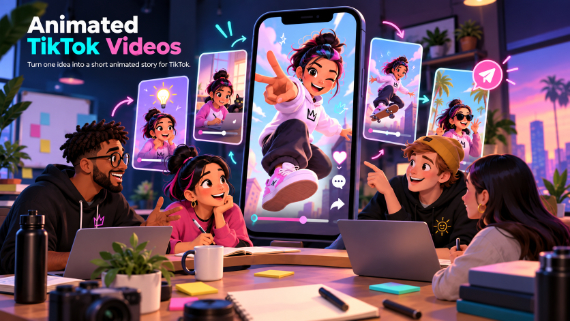
TikTok
Turn one idea into a short animated story for TikTok.
Explore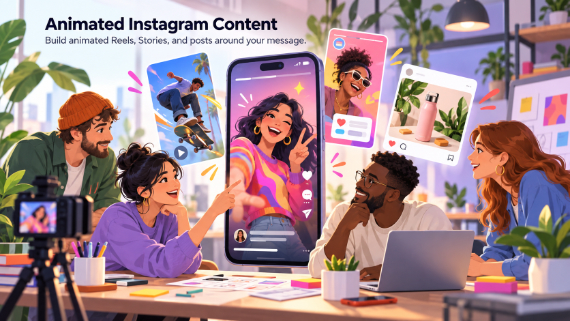
Instagram & Reels
Build animated Reels, Stories, and posts around your message.
Explore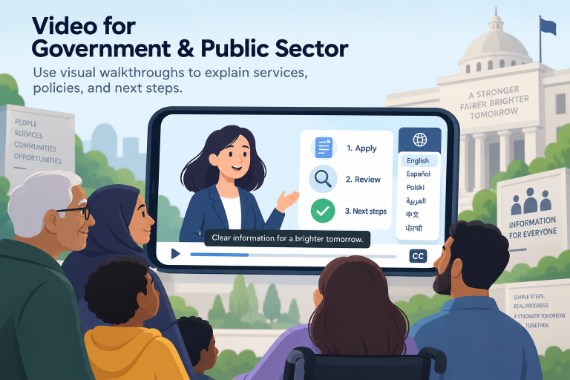
Government & Public Sector
Use visual walkthroughs to explain services, policies, and next steps.
Explore
Healthcare
Create visual explanations of care instructions for your team to review.
Explore
Corporate Training
Break workplace processes into focused video lessons teams can revisit.
ExploreWhy switch
The old way vs. the Glintia way
| The old way | With Glintia | |
|---|---|---|
| First draft | A brief, a quote, and a week of waiting | A template or an AI Director draft in your first session |
| Skills required | Animation & editing software expertise | Pick a character and an action — no keyframes |
| Cost | Agency or freelancer fees for every video | From $15/month, billed yearly |
| Revisions | Change orders and another round of waiting | Edit the line, regenerate the voice, re-export |
| Team needed | Designer, animator, voice actor | You — with a ready-made cast and 592 AI voices |
The platform is so intuitive, and the range of templates and assets is incredible. I was able to bring my ideas to life in no time, and my audience loves the animations.
Pricing
Simple plans. Full HD on every one.
Basic, Pro and Advance all start with a 3-day free trial. Cancel before it ends and you won't be charged.
Basic
Your first videos, in Full HD
$15 /month
Billed annually at $180/year
- Full HD (1080p) exports
- 10 downloads per month
- Videos up to 15 minutes
- 400 AI credits per month
- Free characters, templates & stock
- 5GB storage
Pro
For creators who publish every week
$25 /month
Billed annually at $300/year
- Full HD (1080p) exports
- 30 downloads per month
- Videos up to 30 minutes
- 500 AI credits per month
- Premium characters, templates & stock
- AI avatars & camera movement
Advance
For agencies and client work
$40 /month
Billed annually at $480/year
- 50 downloads per month (25 in 2K)
- 2K for square videos (1440×1440)
- Videos up to 40 minutes
- 600 AI credits per month
- Brand Kit (logo, colors)
- License to resell
Do I need animation or design skills?
How does the 3-day free trial work?
What is AI Director?
What are AI credits?
What can I export?
Can I use my own images, video and voice?
Can I use the videos commercially?
Can I cancel anytime?
Make the video you've been putting off.
Start from a template or let AI Director draft it, then make it yours. Full HD export on every plan, and 3 days to try it free.
3-day free trial on Basic, Pro & Advance · Cancel before it ends and you won't be charged