Dub Your Video Into 20 Languages
Translate the audio, regenerate the voice, and re-sync the mouth to match.
3-day free trial · Cancel anytime · No design skills needed
0
dubbing languages
Optional
lip-sync matched to the dub
0
subtitle translation languages
0
new voice talent to cast
The problem
Sound familiar?
Dubbed video looks dubbed
Audio in one language over lips speaking another is the clearest possible signal that a video was localised on the cheap.
Voice talent per language does not scale
Every new market means casting, recording, and another round of sync.
Localisation lives in a separate pipeline
Export, send out, wait, re-import, discover the cut changed while you were waiting.
The Glintia way
Most dubbing tools swap the audio and leave the lips wrong. It works well enough for a voiceover and falls apart the moment someone is on camera — the mismatch is the first thing a viewer notices and the reason dubbed content often reads as cheap. Glintia translates and re-voices your video in any of 20 languages, lets you review the script line by line, and can run generative lip-sync over the dub, so the mouth matches the language it is now speaking.
Benefits
Why creators love it
The mouth matches the new language
Optional generative lip-sync re-times mouth movement to the dubbed audio instead of leaving the original performance underneath it.
Subtitles translate alongside
The dub comes with translated captions as a normal subtitle track, already designed and placed — ready to restyle with any of 51 caption presets.
One timeline, not a pipeline
Dubbing sits with your edit, your captions, and your animation. No exporting to a localisation tool and reconciling versions afterwards.
Your direction, line by line
Tell it how to translate — keep it formal, use the informal you, leave product names in English — then review the script line by line before you dub. Keep the original audio softly underneath if you like.
Deep dive
A closer look
Lip-sync is the part that matters
Swapping audio tracks is the easy half and most tools stop there. Running generative lip-sync over the dubbed audio is what makes localised video watchable rather than merely comprehensible. It is generative, so it takes a few minutes and uses additional credits — worth it precisely when someone is on camera.
Part of a wider AI video toolset
Dubbing sits alongside Edit by Text, Smart Edit, and Auto Clips in the same editor. The same source video can be dubbed, cut into short-form clips, and captioned without leaving the project.
Captions that keep up
Translated captions arrive with the dub as a normal subtitle track on the timeline, timed to the new audio. Restyle them, edit any line, or translate further — no separate captioning pass.
Try the AI dubbing yourself
Full HD export on every plan. Cancel before your trial ends and you won't be charged.
Three steps
How it works
Select your video
Pick an uploaded clip on the canvas.
Choose a target language
Pick one of 20 languages and optionally add direction for the translation.
Dub and sync
Generate the dub, then turn on lip-sync to match the mouth.
Compare
The old way vs. the Glintia way
| The old way | With Glintia | |
|---|---|---|
| Lip movement | Left speaking the original language | Re-synced to the dub |
| Cost per language | Cast and record voice talent | Generate from the existing audio |
| Subtitles | Translated separately, re-timed by hand | Translated track arrives with the dub |
| Where it happens | A separate localisation pipeline | The same timeline as your edit |
Who uses it
Who uses the AI dubbing
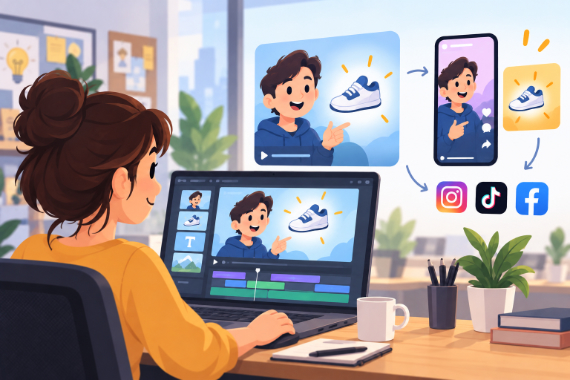
Marketing Teams
Build ads, product explainers, and social clips around one clear benefit.
Explore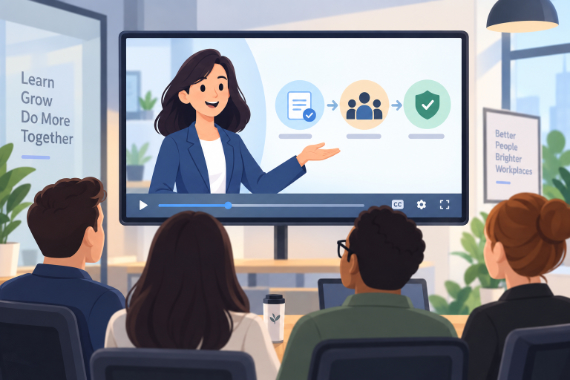
Corporate Training
Break workplace processes into focused video lessons teams can revisit.
Explore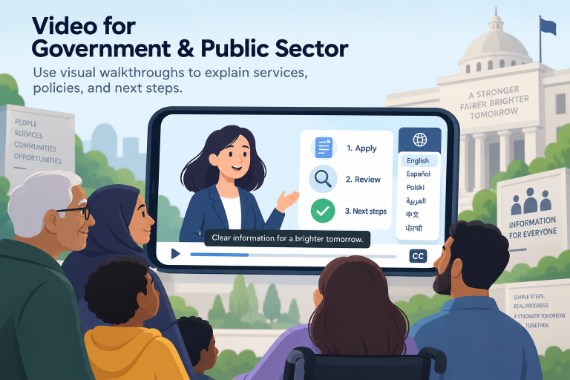
Government & Public Sector
Use visual walkthroughs to explain services, policies, and next steps.
Explore
Teachers & Educators
Teach one concept at a time with visual lessons learners can revisit.
ExploreDoes dubbing change the lip movement?
How many credits does dubbing use?
Do subtitles get translated too?
What other AI video tools come with it?
How long does dubbing take?
Keep exploring
More features to explore
Animation Maker
Build animated explainers and stories with characters, scenes, and motion.
Learn moreAI Video Generator
Describe your video — AI Director drafts the script, voiceover, visuals and music for you to edit.
Learn moreAI Avatars
Lifelike presenters that speak your script — no camera, no studio.
Learn moreTry the AI dubbing free for 3 days
Make a real video in Full HD on the plan you pick. Cancel before the trial ends and you won't be charged.
3-day free trial on Basic, Pro & Advance · Cancel before it ends and you won't be charged