AI Text to Speech
Turn your script into narration — 592 AI voices in 82 languages.
7-day free trial · Cancel anytime · No design skills needed
0
AI voices
0
languages across 154 locales
0
voices with speaking styles
Every
plan includes AI voiceover
The problem
Sound familiar?
Recording is a project
A decent voiceover needs a microphone, a silent room, and more takes than anyone admits.
Every edit means re-recording
Change one sentence in the script and the whole narration session starts over.
One language limits your reach
Your content deserves audiences beyond the language you happen to speak.
The Glintia way
A great voiceover turns a good animation into a professional one. Glintia's AI text-to-speech turns your script into natural-sounding narration with 592 voices across 82 languages — and your characters lip-sync to every word automatically. It's on every plan, Basic included. No recording equipment, no studio, no re-takes.
Benefits
Why creators love it
592 voices, 82 languages
564 neural voices across 154 locales — 47 of them with selectable speaking styles — plus 28 multilingual ElevenLabs voices for premium, expressive reads.
Characters speak your lines
Animated characters lip-sync to the voiceover automatically, with matching mouth shapes you can fine-tune in the mouth timeline.
Edit-friendly
Script changed? Regenerate the voiceover in seconds instead of re-recording the whole thing.
Subtitles in 20 languages
Generate subtitles automatically, style them with 51 caption presets, and let AI translate them into 20 languages — even showing two languages at once for bilingual audiences.
Deep dive
A closer look
Voices that sound like people
Modern neural voices with natural pacing, emphasis, and tone — 564 voices across 82 languages and 154 locales, 47 with speaking styles, plus 28 multilingual ElevenLabs voices. Preview a voice before you generate.
Characters speak your lines
Animated characters lip-sync to the generated voiceover automatically, with matching mouth shapes for every sound. Change the line, regenerate, and the lip-sync follows the new audio.
Subtitles and translation built in
Generate captions from your narration, style them with 51 caption presets, and let AI translate them into 20 languages — including bilingual display for international and language-learning audiences.
Try the text to speech yourself
Full HD export, no watermark. Cancel before your trial ends and you won't be charged.
Three steps
How it works
Paste your script
Add your narration text to any scene.
Pick a voice
Filter 592 voices by language, then preview until it sounds right.
Generate & sync
The voiceover drops into your timeline, synced with your animation.
Compare
The old way vs. the Glintia way
| The old way | With Glintia | |
|---|---|---|
| Recording | Mic, quiet room, re-takes | Type and generate |
| Script changes | Re-record the whole session | Edit the line, regenerate |
| Localization | Voice talent per language | Same script, 82 languages |
| Captions | Manual transcription | Auto subtitles + translation into 20 languages |
Who uses it
Who uses the text to speech
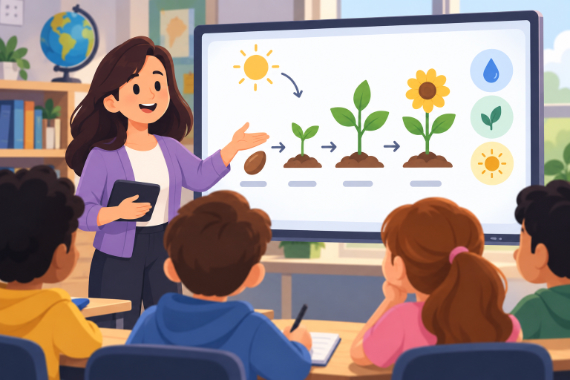
Teachers & Educators
Teach one concept at a time with visual lessons learners can revisit.
Explore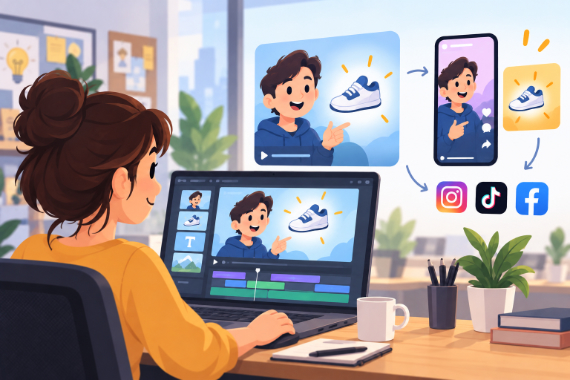
Marketing Teams
Build ads, product explainers, and social clips around one clear benefit.
Explore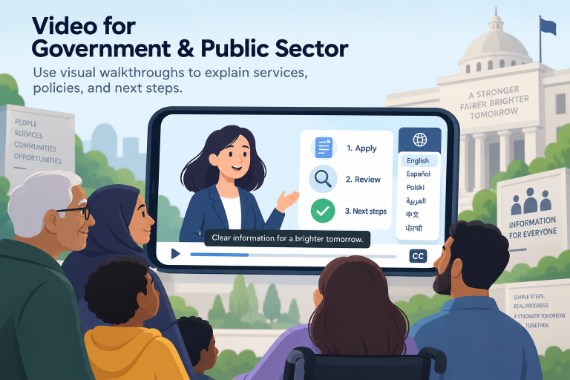
Government & Public Sector
Use visual walkthroughs to explain services, policies, and next steps.
Explore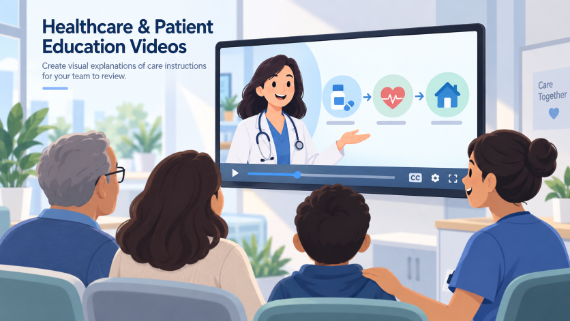
Healthcare
Create visual explanations of care instructions for your team to review.
ExploreWhich plans include text-to-speech?
Can I still use my own voice recording?
Can subtitles be translated automatically?
Do the voices sound robotic?
Keep exploring
More features to explore
Animation Maker
Build animated explainers and stories with characters, scenes, and motion.
Learn moreAI Video Generator
Describe your video — AI Director drafts the script, voiceover, visuals and music for you to edit.
Learn moreAI Avatars
Lifelike presenters that speak your script — no camera, no studio.
Learn moreTry the text to speech free for 7 days
Get the full features of the plan you pick — Full HD, no watermark. Cancel before the trial ends and you won't be charged.
7-day free trial on Basic, Pro & Advance · Cancel before it ends and you won't be charged