Animation Templates
Start your explainer, lesson, or promo with scenes you can customize.
7-day free trial · Cancel anytime · No design skills needed
0
scene templates
0
intro & outro designs
~0
animated text designs
0
formats — landscape, portrait, square
The problem
Sound familiar?
Blank-canvas paralysis
The hardest scene to make is the first one, staring back at you from an empty project.
Design taste isn't design time
You know what good looks like — building it from scratch for every video is the problem.
Every video starts from zero
Without starting points, each new video costs as much effort as the last one.
The Glintia way
Facing a blank canvas is the hardest part of any video. Glintia's template library gives you hundreds of designed starting points — 110 scene templates, 288 intro and outro designs, and around 400 animated text designs — for explainers, promos, lessons, and social posts. Swap the text, characters, and colors, and your video is ready. The editor even adapts to what you're making, with dedicated modes for animation, whiteboard, and video projects.
Benefits
Why creators love it
Polished from the first second
Layout, motion, timing, and color arrive already working together, so your video looks intentional before you change a word.
Fully customizable
Change text, characters, colors, music, and timing. The template is a starting point, not a cage.
Every use case covered
Explainer videos, product promos, classroom lessons, social clips, and more — with editor modes that surface the right tools for each format.
Every screen shape
Landscape for YouTube and presentations, portrait for Reels and TikTok, square for the feed — pick the format first and the templates fit it.
Deep dive
A closer look
Designed, not thrown together
Every template arrives with layout, motion, timing, and color already working together — 110 scene templates, 288 intro and outro designs, and around 400 animated text designs to mix and match.
A starting point, not a cage
Swap text, characters, scenes, colors, music, and timing. Templates open as fully editable projects — change one word or rebuild every scene.
An editor that fits the job
Dedicated editor modes for animation, whiteboard, and video projects surface the right tools for each format, so a social clip and a training module each get the workspace they deserve.
Try the templates yourself
Full HD export on every plan. Cancel before your trial ends and you won't be charged.
Three steps
How it works
Browse the library
Filter templates by style and use case.
Make it yours
Swap text, characters, and brand colors.
Export
Download your video in Full HD.
Compare
The old way vs. the Glintia way
| The old way | With Glintia | |
|---|---|---|
| Starting point | A blank canvas | Hundreds of designed templates |
| Design quality | Depends on your eye | Layout, motion & color pre-matched |
| Branding | Rebuild it each time | Swap colors, logo, characters |
| Time to publish | Days | Your first session |
Who uses it
Who uses the templates
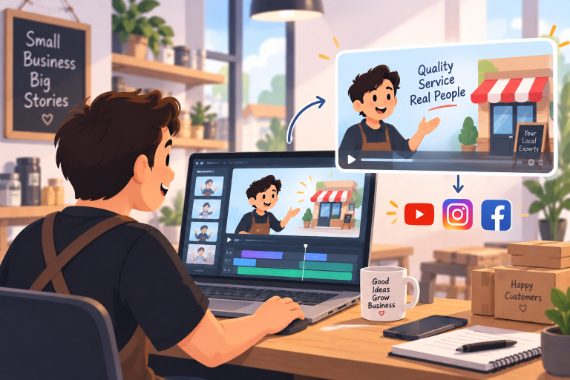
Small Business
Show how your service works and answer questions before customers ask.
Explore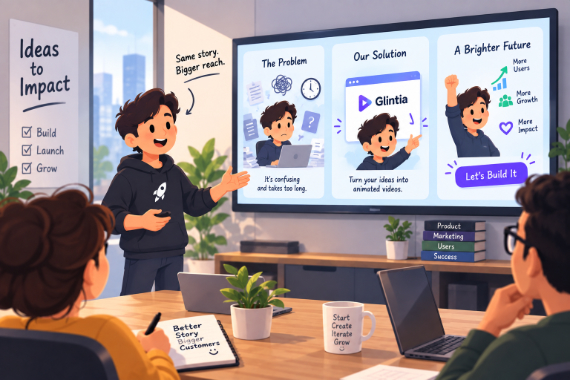
Startups
Show the problem, introduce your product, and give customers a next step.
Explore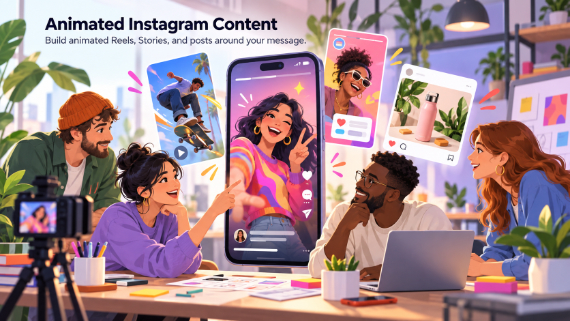
Instagram & Reels
Build animated Reels, Stories, and posts around your message.
Explore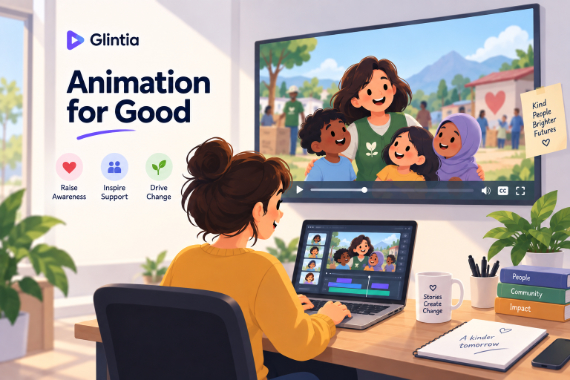
Nonprofits
Explain your cause, show your work, and tell supporters how to help.
ExploreAre templates included in every plan?
Can I change everything in a template?
Which formats do templates come in?
Keep exploring
More features to explore
Animation Maker
Build animated explainers and stories with characters, scenes, and motion.
Learn moreAI Video Generator
Describe your video — AI Director drafts the script, voiceover, visuals and music for you to edit.
Learn moreAI Avatars
Lifelike presenters that speak your script — no camera, no studio.
Learn moreTry the templates free for 7 days
Make a real video in Full HD on the plan you pick. Cancel before the trial ends and you won't be charged.
7-day free trial on Basic, Pro & Advance · Cancel before it ends and you won't be charged