Glintia for Teachers & Educators
Animation Maker for Teachers
Teach one concept at a time with visual lessons learners can revisit.
Attention is the hardest thing to win in a classroom. Animated lessons consistently outperform slides and lectures on engagement and retention — and Glintia makes them achievable without a production team. Build characters your students recognize, explain concepts step by step with whiteboard drawing, and narrate everything with AI voices.
7-day free trial · Cancel anytime · No design skills needed

$0
per month billed annually
Auto
subtitles for accessibility
Any LMS
standard MP4 works everywhere
∞
rewatches for every student
The problem
Sound familiar?
Students tune out slides
Static slides and worksheets struggle against short-form video attention spans.
No time for video production
Teachers don't have days to learn professional animation software.
Complex topics are hard to visualize
Some ideas need motion and story to click — text alone doesn't land.
The solution
How Glintia helps
Lessons students remember
Visual storytelling improves retention. Explain fractions, photosynthesis, or history with characters and motion instead of bullet points.
Built in a session, not a semester
Templates, 76 prebuilt actions, and AI Director drafts do the heavy lifting, so your first lesson can be finished in your first session. Reuse characters across a whole unit.
Whiteboard explainers built in
The classic hand-drawn explainer style — proven in education — is one click away. No drawing skills required.
Voiceover without recording
Generate clear narration with 592 AI voices in 82 languages, or record your own voice. Add automatic subtitles for accessibility — both on every plan.
Deep dive
A closer look
Lessons that teach twice
A recorded animated lesson works while you sleep — students rewatch the tricky part before the test, absent students catch up without a summary email, and next year's class gets the same quality on day one.
A classroom cast students recognize
Build characters once and reuse them across a whole unit. Recurring characters turn lessons into episodes — and episodes are something students actually look forward to.
Accessible by default
Automated subtitles, AI translation with bilingual captions, and clear AI narration make every lesson work for hearing-impaired students, language learners, and multilingual classrooms.
Make your first video today
Full HD export, no watermark. Cancel before your trial ends and you won't be charged.
Workflow
Your workflow, in three steps
Script your lesson
Break the topic into short scenes, the way you'd structure a lesson plan.
Build it visually
Whiteboard drawings, characters, and diagrams from the library — no design skills needed.
Narrate and share
AI voiceover, automatic subtitles, and an MP4 that plays in any LMS or classroom screen.
Compare
The old way vs. the Glintia way
| The old way | With Glintia | |
|---|---|---|
| Lesson format | Slides read aloud | Animated stories students rewatch |
| Production | Weekends lost to editing | Templates + prebuilt actions |
| Accessibility | Manual captioning | Auto subtitles + translation |
| Next year | Rebuild the materials | Update the project, re-export |
Toolkit
Features you'll use every day
Whiteboard Videos
Explain a process or lesson step by step with hand-drawn animation.
Learn moreCharacter Builder
Design unique animated characters — or bring your own artwork to life.
Learn moreText to Speech
Turn your script into narration — 592 AI voices in 82 languages.
Learn moreTemplates
Start your explainer, lesson, or promo with scenes you can customize.
Learn moreDo I need any technical skills to make lesson videos?
Can I make my lessons accessible?
Is there a plan suitable for a single teacher?
More
Other teams using Glintia
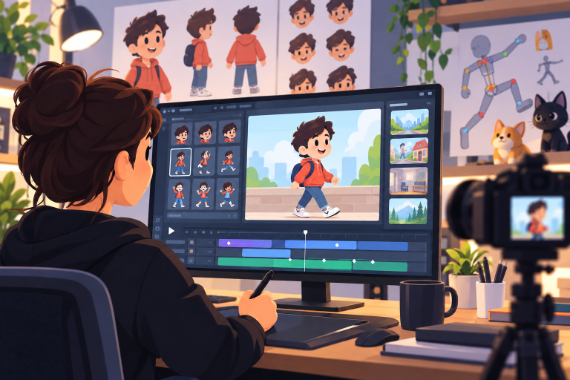
Animators & Creators
Build character-led stories with customizable scenes and prebuilt actions.
Explore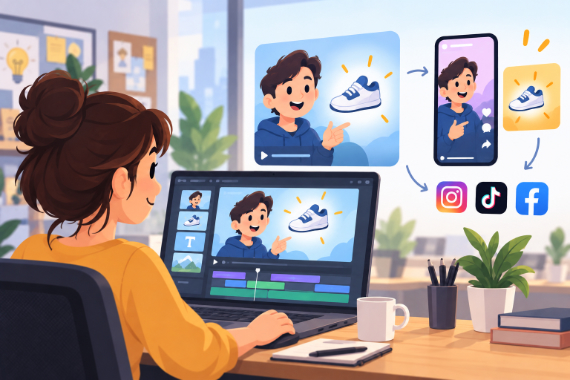
Marketing Teams
Build ads, product explainers, and social clips around one clear benefit.
Explore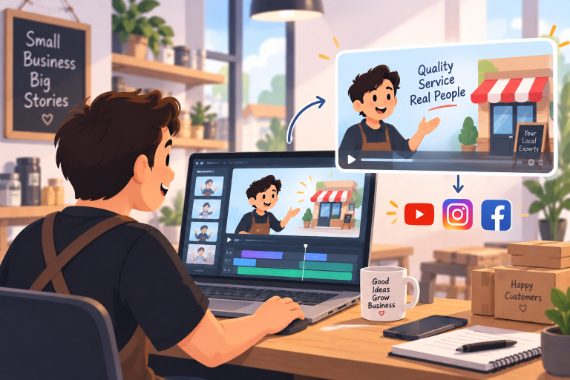
Small Business
Show how your service works and answer questions before customers ask.
Explore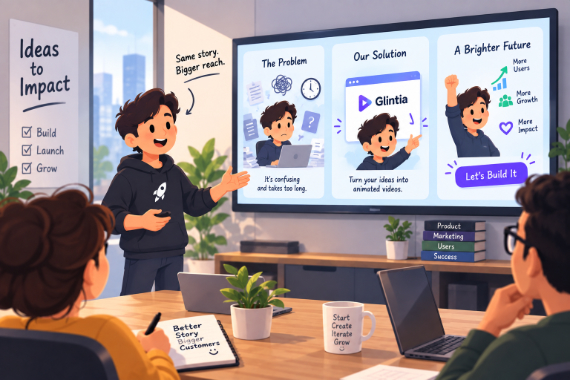
Startups
Show the problem, introduce your product, and give customers a next step.
ExploreReady to create your first video?
Try any of Basic, Pro or Advance free for 7 days — Full HD, no watermark. Cancel before the trial ends and you won't be charged.
7-day free trial on Basic, Pro & Advance · Cancel before it ends and you won't be charged