Glintia for YouTube
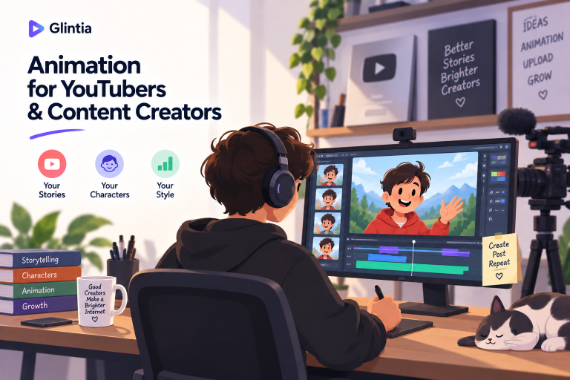
Make Animated YouTube Videos
Create animated explainers and character-led stories for your channel.
YouTube pays for watch time, and animation earns it: viewers stay to see what happens next, and a distinctive animated style makes your channel instantly recognizable in a feed of talking heads. Glintia gives you the full pipeline — characters, editing, captions, and Shorts — in one browser tab.
7-day free trial · Cancel anytime · No design skills needed
0 p
Full HD uploads to YouTube
Auto
highlight clips cut from long videos
0
filming days per episode
0 %
monetization-safe original content
The problem
Sound familiar?
Retention graphs don't lie
Viewers drop off talking-head videos in seconds; the algorithm buries what they skip.
Uploading weekly is a grind
Traditional animation takes weeks per video — impossible on a channel schedule.
Your niche is crowded
Hundreds of channels cover your topic; looking like all of them is a growth ceiling.
The solution
How Glintia helps
A recognizable channel identity
Custom characters and a consistent animated style become your brand — thumbnail to end screen.
Long-form and Shorts from one video
Publish the full video, then let AI Auto Clips pull captioned highlight clips out of it for Shorts — each one a funnel back to the channel.
Captions without the chore
Auto-generated subtitles with professional caption styles keep muted viewers watching and boost accessibility.
Monetization-safe by design
Everything you export is your own original content, with a commercial license on every plan and no watermark.
Deep dive
A closer look
Built for the retention curve
Pattern interrupts are what keep viewers past the drop-off cliffs — scene transitions, character actions, text effects, and whiteboard reveals give you a visual change every few seconds without extra work.
An episode pipeline, not a one-off
Saved characters, reusable templates, and your own recorded actions mean episode 20 takes a fraction of the effort of episode 1 — while looking more polished.
Repurpose on autopilot
AI Auto Clips finds the highlight moments in your long-form video and cuts them into short captioned clips, ready to polish into Shorts. One upload becomes a batch of content.
Make your first video today
Full HD export, no watermark. Cancel before your trial ends and you won't be charged.
Workflow
Your workflow, in three steps
Plan the episode
Script it scene by scene — or describe it and let AI Director draft it.
Animate it
Your cast, actions, transitions, and captions on one timeline.
Upload, then multiply
Publish the video, then let Auto Clips turn it into a batch of highlight clips.
Compare
The old way vs. the Glintia way
| The old way | With Glintia | |
|---|---|---|
| An episode | Film, edit, caption by hand | Templates + AI editing |
| Shorts | Manual re-edits per clip | Auto Clips with captions |
| Channel look | Talking-head sameness | A recognizable animated style |
| Captions | Third-party tools | Styled subtitles built in |
Toolkit
Features you'll use every day
AI Video Editing
Edit footage by editing its transcript, pull highlight clips, and dub it.
Learn moreCharacter Builder
Design unique animated characters — or bring your own artwork to life.
Learn moreVideo Editor
Trim, split, crop and retime footage right next to your animation.
Learn moreText to Speech
Turn your script into narration — 592 AI voices in 82 languages.
Learn moreCan I make YouTube Shorts with Glintia?
Is the export quality good enough for YouTube?
Can I monetize animated videos?
More
Other teams using Glintia
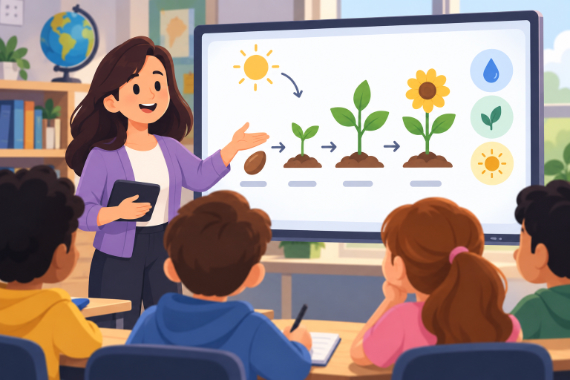
Teachers & Educators
Teach one concept at a time with visual lessons learners can revisit.
Explore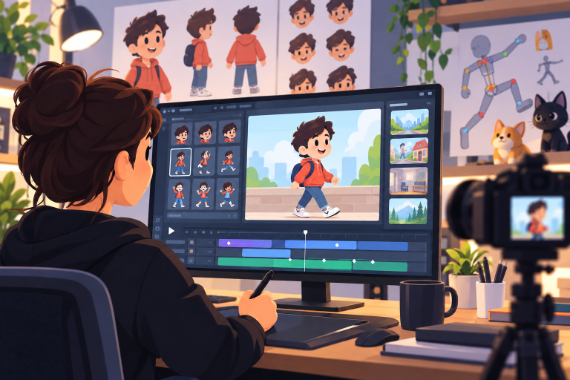
Animators & Creators
Build character-led stories with customizable scenes and prebuilt actions.
Explore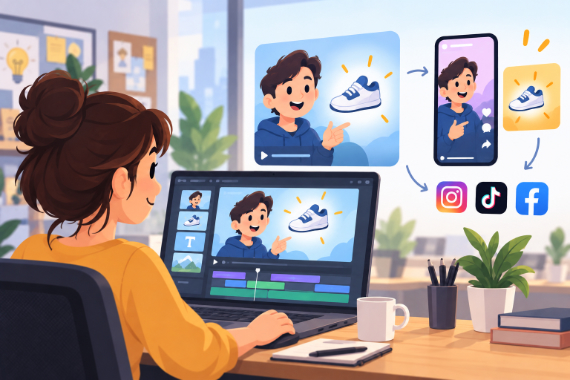
Marketing Teams
Build ads, product explainers, and social clips around one clear benefit.
Explore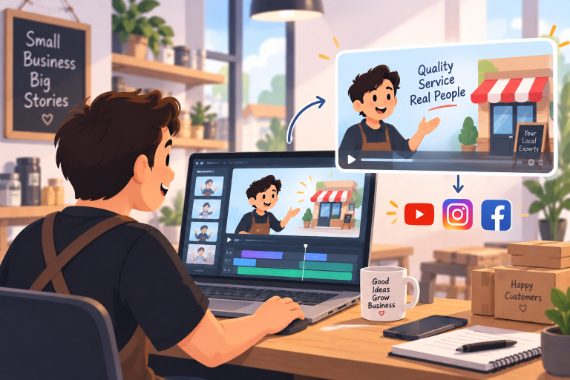
Small Business
Show how your service works and answer questions before customers ask.
ExploreReady to create your first video?
Try any of Basic, Pro or Advance free for 7 days — Full HD, no watermark. Cancel before the trial ends and you won't be charged.
7-day free trial on Basic, Pro & Advance · Cancel before it ends and you won't be charged