Online Video Editor
Trim, split, crop and retime footage right next to your animation.
7-day free trial · Cancel anytime · No design skills needed
0 MB
video uploads with resume support
0 –4×
clip speed, pitch preserved
0 +
filter presets
0 p
MP4 on every plan
The problem
Sound familiar?
Desktop editors are overkill
Industrial editing suites bury simple cuts under a hundred panels you'll never open.
Two tools, twice the friction
Animating in one app and editing footage in another means exporting, importing, and losing quality in between.
Audio polish needs a third app
Fades, EQ, and loudness fixes usually mean round-tripping through separate audio software.
The Glintia way
Real footage and animation belong together. Upload your own videos and photos, trim, split, crop, and pace them in the same scenes as your characters, and finish them with the same polish as your animations: filters, transitions, audio effects, and styled subtitles — all without leaving the browser.
Benefits
Why creators love it
Upload your own media
Bring video files up to 200MB with resumable uploads that pick up where they left off. Everything you upload is organized in your personal files library, ready for any project.
Cut, crop, and re-time
Trim clips, split them, crop the frame, and set speed anywhere from 0.25× to 4× — pitch stays natural and audio stays in sync.
90+ filters and 24 adjustments
One-click looks from cinematic to vintage, plus fine controls for brightness, contrast, saturation, and more — with a reset that brings back the original.
Studio-grade audio tools
Fades, a 3-band equalizer, pitch, echo, compressor, and limiter on every voiceover, music, and sound-effect clip — shape your sound without a separate audio app.
Subtitles and captions
Auto-generate subtitles on any plan, apply 51 caption style presets, and translate them into 20 languages for international audiences.
Deep dive
A closer look
Edits where your story lives
A scene-based timeline with lanes for voiceover, music, and sound effects, plus clip trimming, splitting, cropping, and speed control from 0.25× to 4× that keeps pitch natural and audio in sync. Pace your story without fighting the tool.
Look and sound, in one place
90+ filter presets and 24 fine adjustments for the picture; fades, EQ, pitch, echo, compressor, and limiter for the sound. Grade and mix a video without ever leaving the browser.
Captions that carry the video
Auto-generate subtitles, style them with 51 caption presets, and translate them into 20 languages. Most social video is watched on mute — your captions do the talking.
Try the video editor yourself
Full HD export on every plan. Cancel before your trial ends and you won't be charged.
Three steps
How it works
Upload your footage
Drag in videos, photos, and audio — they land in your files library.
Edit in your scenes
Trim, split, crop, adjust speed, and add transitions, filters, and audio effects.
Export in Full HD
Render the finished video as a 1080p MP4 on any plan, or 2K on Advance.
Compare
The old way vs. the Glintia way
| The old way | With Glintia | |
|---|---|---|
| Setup | Desktop suite installs | Opens in a browser tab |
| Footage + animation | Two apps, exports in between | One project for both |
| Audio polish | Separate audio software | EQ to limiter built in |
| Captions | Manual or third-party tools | Auto-generated and styled |
Who uses it
Who uses the video editor
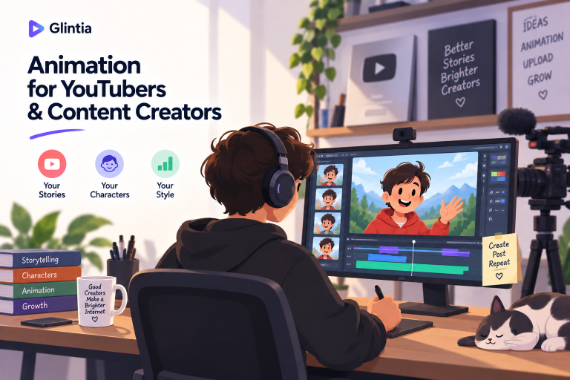
YouTube
Create animated explainers and character-led stories for your channel.
Explore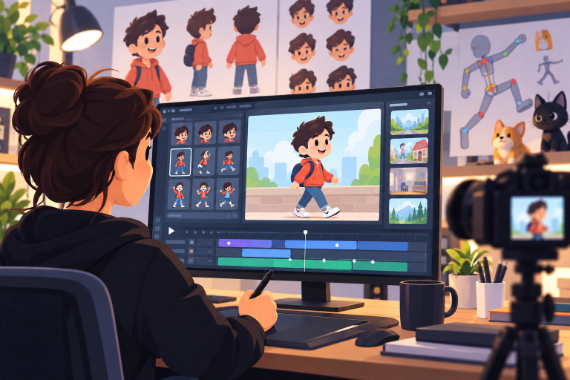
Content Creators
Give your next story an animated cast and develop your own visual style.
Explore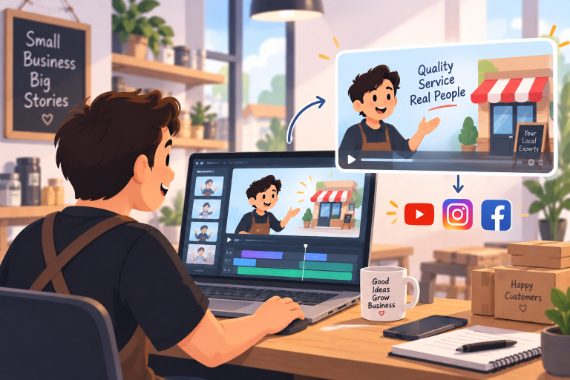
Small Business
Show how your service works and answer questions before customers ask.
Explore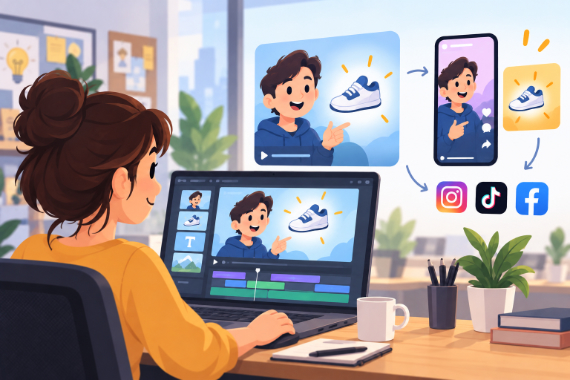
Marketing Teams
Build ads, product explainers, and social clips around one clear benefit.
ExploreCan I mix real video with animation?
How large can my uploads be?
Can I change a clip's speed?
Keep exploring
More features to explore
Animation Maker
Build animated explainers and stories with characters, scenes, and motion.
Learn moreAI Video Generator
Describe your video — AI Director drafts the script, voiceover, visuals and music for you to edit.
Learn moreAI Avatars
Lifelike presenters that speak your script — no camera, no studio.
Learn moreTry the video editor free for 7 days
Make a real video in Full HD on the plan you pick. Cancel before the trial ends and you won't be charged.
7-day free trial on Basic, Pro & Advance · Cancel before it ends and you won't be charged