Webcam Motion Capture
Act it out on webcam or upload a clip — your character copies your moves.
7-day free trial · Cancel anytime · No design skills needed
0 s
webcam takes — or upload up to 100MB
0
body points tracked per frame
0
AI credits — tracking runs on your device
0 take
becomes a reusable action
The problem
Sound familiar?
Describing motion is hard
You know exactly how the movement should look — translating it into keyframes is the barrier.
Keyframing is slow
A few seconds of natural, believable movement can take hours to pose by hand.
Real mocap costs thousands
Suits, sensors, and studio time put traditional motion capture out of reach for most creators.
The Glintia way
The fastest way to animate a movement is to just do it. Record yourself on your webcam for up to 30 seconds — or upload a video up to 100MB — and Glintia tracks your body through every frame and turns it into a character animation. Tracking runs on your own device, right in the browser, so the video never leaves your computer and it costs no AI credits. The take opens as poses you can fine-tune, then saves as a reusable action for your character.
Benefits
Why creators love it
Perform it once
Act out the move in front of your webcam, or upload a clip you already have — a wave, a dance step, a walk across the room. Your character copies it.
No equipment needed
Any ordinary webcam works. There's no suit, no markers, and nothing to install — tracking runs in your browser and your video never leaves your device.
Fine-tune every pose
Your take lands as keyframed poses. Drag a joint to adjust a pose, retime keyframes on the timeline, add or delete poses, and choose how each one eases into the next.
Clean motion, automatically
Jitter is smoothed out and feet stay planted on the ground, so the result reads as animation, not a shaky recording.
Reusable custom actions
Saved takes join “My animations” for that character and drop into any project — including characters you built yourself or rigged from your own artwork.
Deep dive
A closer look
Your performance, your character
Glintia tracks 33 points on your body — head, shoulders, arms, hips, legs, and feet — through every frame of the take, then maps the pose onto your character. It's motion capture without the motion-capture studio.
Record, then refine
Captured takes open in the animation studio as keyframed poses. Drag a joint to fix a pose, retime keyframes, add or remove poses, and set the easing between them. Smoothing and foot planting are already done, so you start from clean motion.
Build your own action library
Every saved capture becomes a reusable action for that character — including ones you built or rigged from your own artwork. Record a signature move once, use it in every video.
Try the motion capture yourself
Full HD export on every plan. Cancel before your trial ends and you won't be charged.
Three steps
How it works
Record or upload
Perform for up to 30 seconds on your webcam, or upload a video up to 100MB.
Trim and track
Keep just the motion you want, and Glintia turns your movement into poses.
Fine-tune and save
Adjust any pose, then save it as a reusable action for your character.
Compare
The old way vs. the Glintia way
| The old way | With Glintia | |
|---|---|---|
| Equipment | Mocap suits and sensor rigs | Any ordinary webcam |
| Natural motion | Hours of keyframing | Perform it once |
| Cleanup | Specialist retargeting tools | Auto smoothing + pose-by-pose editing |
| Reuse | Per-project data wrangling | Saved to your character's animations |
Who uses it
Who uses the motion capture
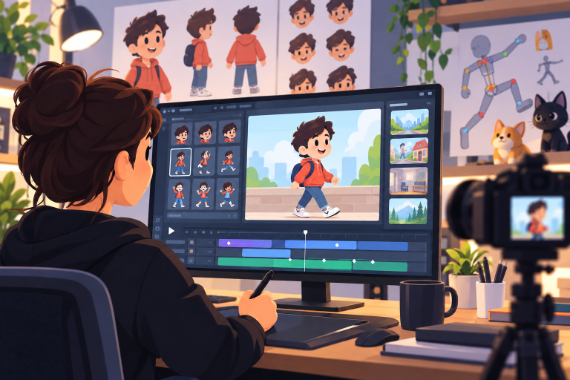
Animators & Creators
Build character-led stories with customizable scenes and prebuilt actions.
Explore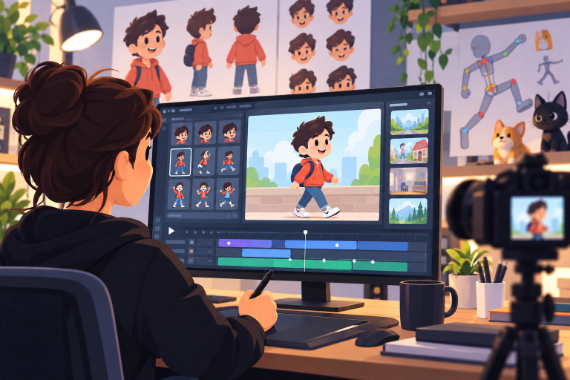
Content Creators
Give your next story an animated cast and develop your own visual style.
Explore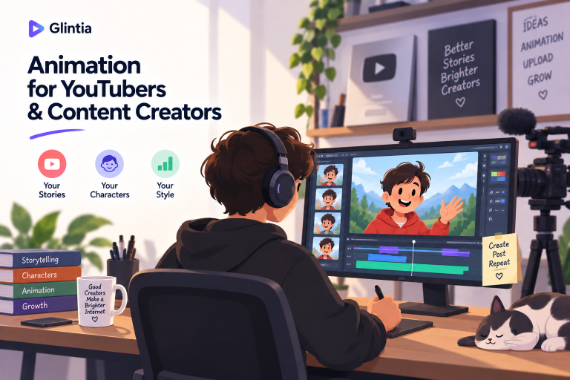
YouTube
Create animated explainers and character-led stories for your channel.
Explore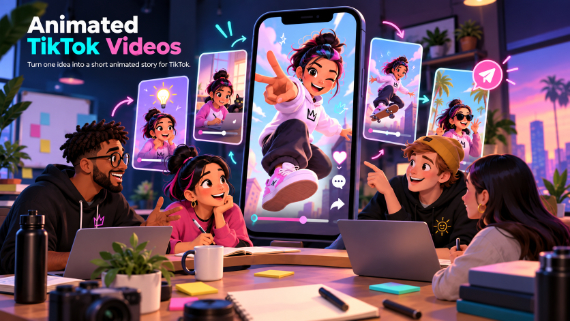
TikTok
Turn one idea into a short animated story for TikTok.
ExploreWhat does the camera track?
Does the character move while I'm recording?
Do I need special hardware?
Can I edit the captured motion afterwards?
How long can a take be?
Keep exploring
More features to explore
Animation Maker
Build animated explainers and stories with characters, scenes, and motion.
Learn moreAI Video Generator
Describe your video — AI Director drafts the script, voiceover, visuals and music for you to edit.
Learn moreAI Avatars
Lifelike presenters that speak your script — no camera, no studio.
Learn moreTry the motion capture free for 7 days
Make a real video in Full HD on the plan you pick. Cancel before the trial ends and you won't be charged.
7-day free trial on Basic, Pro & Advance · Cancel before it ends and you won't be charged