Glintia for Government & Public Sector
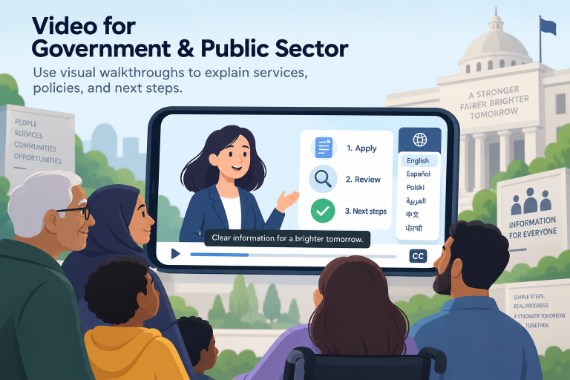
Video for Government & Public Sector
Use visual walkthroughs to explain services, policies, and next steps.
Public communication has the hardest brief in media: reach everyone, exclude no one, and make complex processes clear. Animated video does what dense PDFs and legal language can't — and Glintia makes it producible inside a public-sector budget, with the accessibility and multilingual reach the mission demands.
7-day free trial · Cancel anytime · No design skills needed
0
voiceover languages
Auto
subtitles for accessibility
Same-day
updates when policy changes
0
procurement rounds for edits
The problem
Sound familiar?
Complex processes, confused citizens
Benefits applications, tax rules, and new programs generate calls and errors when people can't follow the instructions.
Every audience, every language
Public information has to serve all citizens — including those who read poorly, hear poorly, or speak another language.
Procurement-sized video budgets
Agency video production means tenders, contractors, and costs that keep most communication text-only.
The solution
How Glintia helps
Step-by-step clarity
Whiteboard-style explainers walk citizens through processes visually — designed to reduce confusion, errors, and call-center load.
Accessible by default
Automated subtitles and clear AI narration serve hearing- and vision-limited audiences without extra production passes.
The languages your citizens speak
AI voiceovers in 82 languages and subtitle translation into 20 — with bilingual caption display — deliver the same message to every community you serve.
Neutral, inclusive representation
A diverse character library represents the whole public you serve, without casting, consent forms, or likeness issues.
Deep dive
A closer look
From regulation to explanation
Take the process as written — eligibility, steps, deadlines — and turn it into a visual walkthrough with characters and whiteboard drawing. Citizens follow a story, not a statute.
Publish once, serve everyone
One project exports the website version, the social clip, the waiting-room loop, and translated variants for each language community — identical information, consistent presentation.
In-house means responsive
When the policy updates, your team edits the scene and re-exports the same day — no contractor change-orders.
Make your first video today
Full HD export, no watermark. Cancel before your trial ends and you won't be charged.
Workflow
Your workflow, in three steps
Map the process
Eligibility, steps, deadlines — exactly as the regulation defines them.
Explain it visually
Whiteboard walkthroughs and characters turn the process into a story.
Publish for everyone
Website, social, and waiting screens — with subtitles and translations.
Compare
The old way vs. the Glintia way
| The old way | With Glintia | |
|---|---|---|
| Production | Tenders and contractors | Your communications team, in-house |
| Accessibility | Captions retrofitted later | Subtitles by default |
| Languages | A separate production each | Translated captions & voices |
| Policy updates | A new procurement | Edit, re-export, republish |
Toolkit
Features you'll use every day
Whiteboard Videos
Explain a process or lesson step by step with hand-drawn animation.
Learn moreText to Speech
Turn your script into narration — 592 AI voices in 82 languages.
Learn moreAI Avatars
Lifelike presenters that speak your script — no camera, no studio.
Learn moreTemplates
Start your explainer, lesson, or promo with scenes you can customize.
Learn moreIs Glintia suitable for official public communication?
How does Glintia support accessibility requirements?
Can a whole team use Glintia?
More
Other teams using Glintia

Teachers & Educators
Teach one concept at a time with visual lessons learners can revisit.
Explore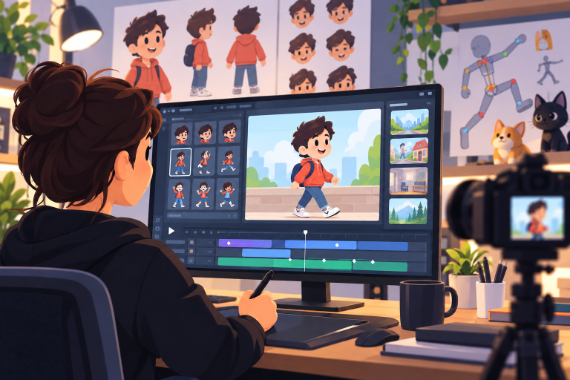
Animators & Creators
Build character-led stories with customizable scenes and prebuilt actions.
Explore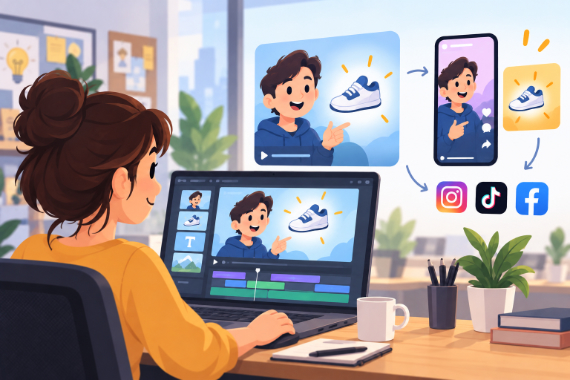
Marketing Teams
Build ads, product explainers, and social clips around one clear benefit.
Explore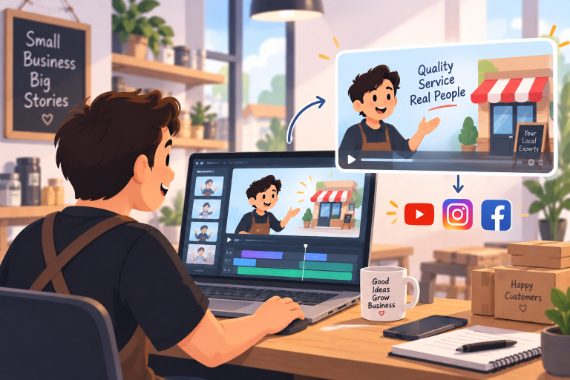
Small Business
Show how your service works and answer questions before customers ask.
ExploreReady to create your first video?
Try any of Basic, Pro or Advance free for 7 days — Full HD, no watermark. Cancel before the trial ends and you won't be charged.
7-day free trial on Basic, Pro & Advance · Cancel before it ends and you won't be charged