Glintia for Instagram & Reels
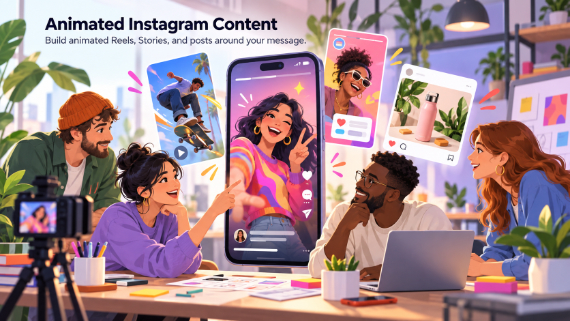
Animated Instagram Content
Build animated Reels, Stories, and posts around your message.
Instagram is a design-first feed — polish wins. Glintia gives brands and creators animated Reels, Stories, and posts with the finish of a motion-design studio: branded colors, kinetic text, characters, and captions, produced in an afternoon instead of an agency sprint.
7-day free trial · Cancel anytime · No design skills needed
0
formats — Reels, Stories, posts
GIF+MP0
exports for every surface
Brand Kit
for a consistent grid (Advance)
Auto
captions on every Reel
The problem
Sound familiar?
Static posts are invisible
Reels get the reach; images get archived. The format decided for you.
Aesthetic feeds take a team
A consistent, polished grid usually means a designer on retainer.
Stories demand constant content
The 24-hour format is hungry, and shooting fresh content daily isn't realistic.
The solution
How Glintia helps
Motion-design polish, template speed
Kinetic text, smooth transitions, and animated characters make Reels that look art-directed — from templates you customize.
On-brand across the grid
Saved characters, reusable templates, and the Brand Kit's logos and colors on Advance keep every Reel, Story, and post visually consistent.
Every Instagram format
Vertical Reels and Stories, square feed posts, and GIFs — all made in the same editor.
Captions built in
Auto-subtitles with styled caption templates keep sound-off viewers engaged through the whole Reel.
Deep dive
A closer look
The scroll-stopper formula
Movement in the first frame, bold styled text, and a visual change every two seconds — Glintia's effects, transitions, and character actions bake the engagement mechanics into every template.
A week of Stories from one video
AI Auto Clips slices your long recordings into captioned highlight clips, and templates turn announcements, offers, and quotes into animated Stories.
Product content without a studio
Drop product photos into animated scenes, add the Trace drawing reveal or 3D tilt effects, and turn a flat catalog shot into a Reel that sells.
Make your first video today
Full HD export, no watermark. Cancel before your trial ends and you won't be charged.
Workflow
Your workflow, in three steps
Pick the format
Vertical for Reels and Stories, square for the feed — templates for each.
Style it to your brand
Brand colors, kinetic text, characters, and your product photos.
Export for the grid
MP4s and GIFs sized for every Instagram surface.
Compare
The old way vs. the Glintia way
| The old way | With Glintia | |
|---|---|---|
| The aesthetic | A designer on retainer | Templates + saved brand assets |
| Reels | Filming and editing apps | Animated in the browser |
| Stories cadence | Shooting fresh content daily | A template per Story |
| Product content | Studio photography | Animated scenes from your photos |
Toolkit
Features you'll use every day
Templates
Start your explainer, lesson, or promo with scenes you can customize.
Learn moreAI Video Editing
Edit footage by editing its transcript, pull highlight clips, and dub it.
Learn moreAnimation Maker
Build animated explainers and stories with characters, scenes, and motion.
Learn moreText to Speech
Turn your script into narration — 592 AI voices in 82 languages.
Learn moreCan I export in Instagram's formats?
Can I keep my content on-brand?
Do animated Reels really perform better?
More
Other teams using Glintia
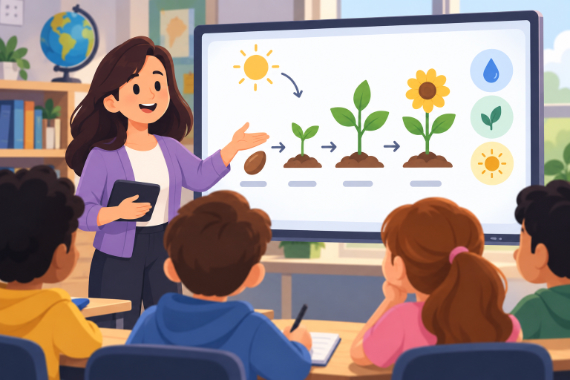
Teachers & Educators
Teach one concept at a time with visual lessons learners can revisit.
Explore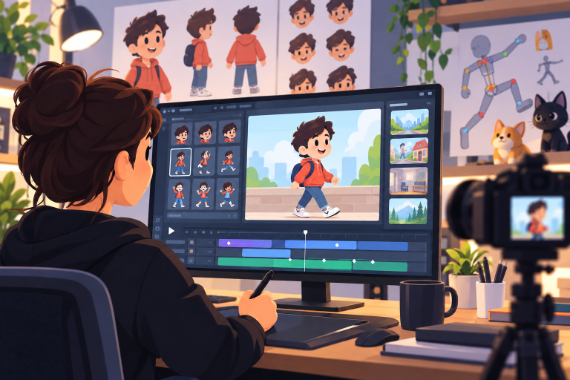
Animators & Creators
Build character-led stories with customizable scenes and prebuilt actions.
Explore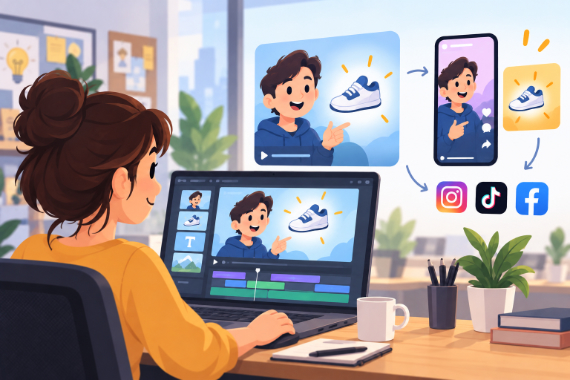
Marketing Teams
Build ads, product explainers, and social clips around one clear benefit.
Explore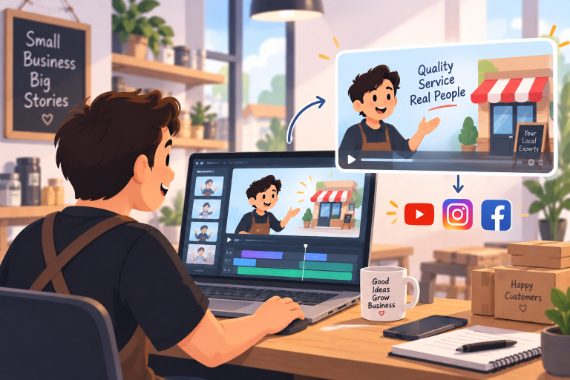
Small Business
Show how your service works and answer questions before customers ask.
ExploreReady to create your first video?
Try any of Basic, Pro or Advance free for 7 days — Full HD, no watermark. Cancel before the trial ends and you won't be charged.
7-day free trial on Basic, Pro & Advance · Cancel before it ends and you won't be charged